


Sélection de la rédaction
Is It Safe to Use Your Phone While It Is Charging?
Yes, light phone use while charging is generally safe. Use reliable equipment, avoid heavy tasks and heat, and unplug it if it becomes very hot.
What Does an Amber or Orange Light on AirPods Mean
An amber AirPods light usually means charging or low battery. Learn what solid, pulsing, and flashing orange lights mean and how to fix them.
MagSafe Charger Not Working With iPhone? 8 Fixes
Fix a MagSafe charger not working by checking your case, power adapter, alignment, heat, iOS, and charger before seeking iPhone service.
Apple Watch Not Charging? 8 Easy Fixes to Try
Reseat and clean your Apple Watch charger, test the outlet and cable, wait 30 minutes, restart the watch, and seek service if it still will not charge.
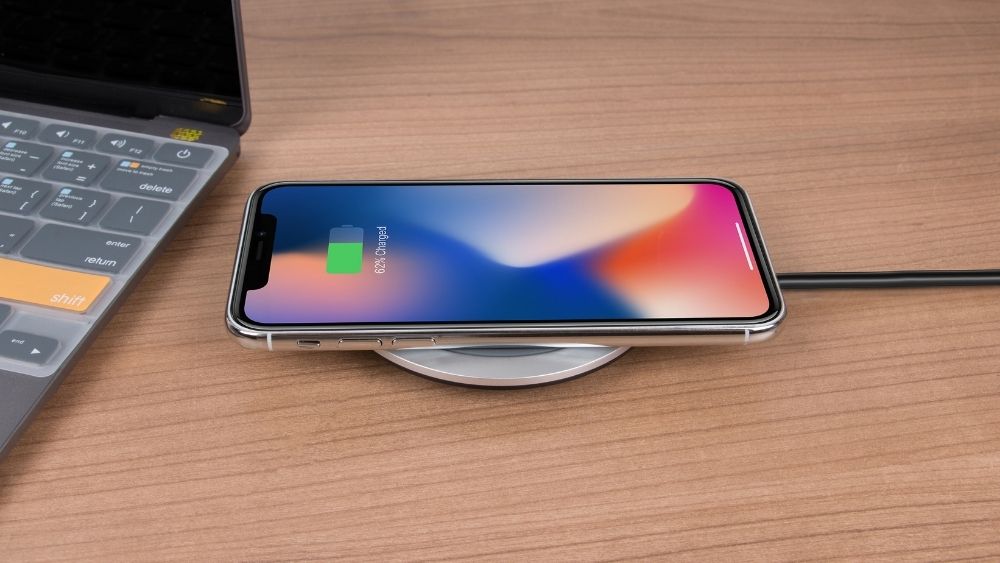
Can an Apple Watch Charger Charge an iPhone? The Facts
A standard Apple Watch puck cannot charge an iPhone, but a dual-device MagSafe power bank or 3-in-1 station can safely charge both at once.
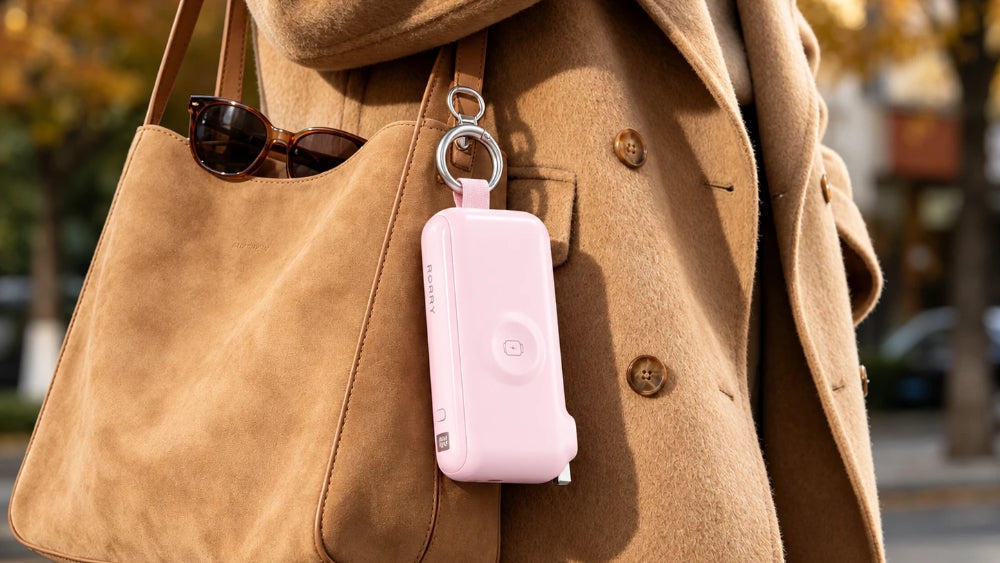
The New Power Palette: When Tech Becomes Part of the Look

The Ultimate Travel Packing List for 2026 All Seasons
Pack documents, versatile clothes, toiletries, medication, electronics, chargers, and carry-on essentials, with extra layers for autumn and winter.
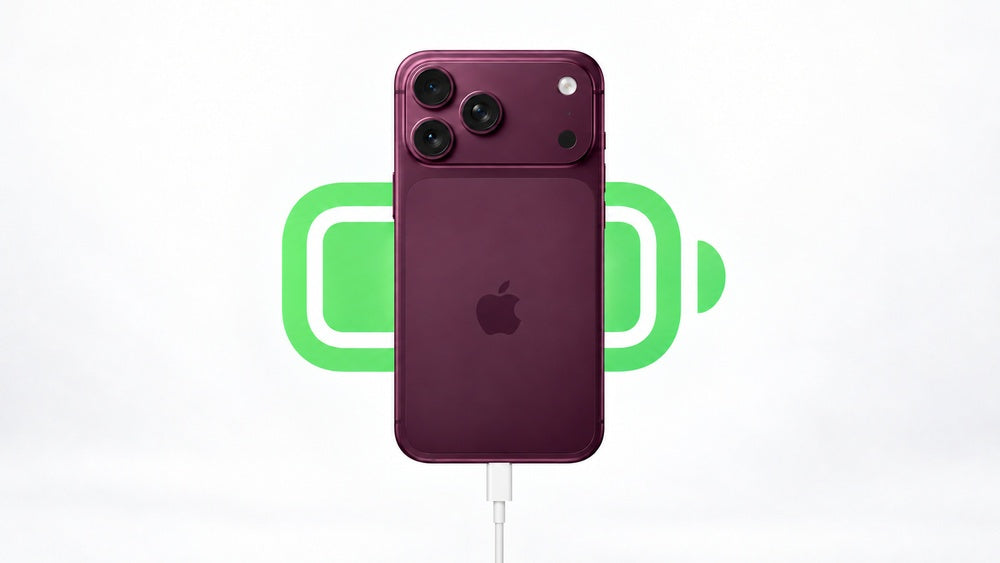
Best Power Banks for iPhone 18 Pro and Pro Max: 8 Top Picks
1. UGREEN MagFlow 2. RORRY D4 3. RORRY D14 4. Anker Nano 5. RORRY D2—plus three more top iPhone 18 power banks.

7 Smart Ways to Refresh Your Bag for Fall Commutes and Weekend Trips