


- by kehuiyi
Which Samsung Phones Have Wireless Charging in 2026?
- by kehuiyi
Most Samsung flagships support wireless charging — but not all of them. Galaxy S and Z series models all support wireless charging at up to 15W. Note series phones do too, at standard Qi speeds. The A series is where things get inconsistent — some models have it. This guide covers every current model that charges wirelessly, how to tell if yours is one of them, and how to get the most out of it.
Most Galaxy S phones from recent years, all current Z Fold and Flip models, and many legacy Note phones include Qi wireless charging. Some A-series models do not. Here is the current breakdown:
|
Series |
Models With Wireless Charging |
Notes |
|
Galaxy S26 |
S26, S26+, S26 Ultra |
15W Qi2 Ready |
|
Galaxy S25 |
S25, S25+, S25 Ultra, S25 Edge, S25 FE |
15W Qi2 Ready |
|
Galaxy Z Fold |
Z Fold 7, Z Fold 6 |
15W + 4.5W reverse |
|
Galaxy Z Flip |
Z Flip 7 FE, Z Flip 6 |
15W + 4.5W reverse |
|
Galaxy Note |
Note 5, Note 8, Note 9, Note 10, Note 10+, Note 20, Note 20 Ultra |
Standard Qi |
|
Galaxy A |
Select models only |
Verify per model |
Method 1: Check Settings. Go to Settings > Battery. If a "Wireless charging" option appears in the menu, the hardware is there. If it is absent, the phone does not support it.
Method 2: Check Samsung's spec page. Every product page on Samsung's website lists charging specs under the battery section. Look for "Wireless charging" and the wattage alongside it.
Method 3: Try a Qi pad. Place the phone on any Qi-certified pad. If the charging icon appears within a few seconds, it works. If nothing happens after repositioning a couple of times, wireless charging is not supported on that model.
Samsung's current lineup uses Qi2 Ready wireless charging, supporting up to 15W across the S25 and S26 series as well as the Z Fold and Flip lines. Here is what that means in practice:
Standard Qi (up to 10W–12W): Found on older Galaxy S, Note, and some Z series models. Compatible with any Qi-certified charger, but capped at lower speeds on third-party pads.
Qi2 Ready (up to 15W): The current standard across Samsung flagships. The "Ready" distinction means the phone supports Qi2 speeds and magnetic alignment when paired with a compatible magnetic case — without the case, it behaves like standard Qi.
Reverse Wireless Charging (4.5W): Available on Z Fold and Z Flip models. This lets the phone act as a charging pad for earbuds, a smartwatch, or another phone placed back-to-back.
For the fastest wireless charging speeds, Samsung's own pads and stands are optimised for their devices. A wireless power bank with Qi2 support is also worth considering if you charge on the go — it delivers the same 15W speeds as a desk pad, without the wall outlet.

Yes — as long as the other phone supports reverse wireless charging. Most Android flagships do, including other Samsung models, Huawei, and select Xiaomi devices. iPhones do not support this feature, so an iPhone cannot charge a Samsung this way.
Step 1: Enable reverse wireless charging on the donor phone. On Samsung devices, this is called Wireless PowerShare — swipe down on the quick settings panel to find and turn it on. Other Android brands have their own name for this feature, but it works the same way.
Step 2: Place the two phones back-to-back. Lay your Samsung face-up and place the donor phone on top of it, backs touching. Adjust the position until the charging icon appears on your Samsung's screen.
The output is around 4.5W to 5W, so it is slow — good for a quick top-up in an emergency, not a full charge. Remove cases from both phones if charging does not start, as thick cases block the signal. And keep an eye on the donor phone's battery: it is powering yours, so it drains fast.
For anyone who regularly needs to share power on the go, a portable charger power bank with wireless output is a cleaner solution — no need to borrow someone else's battery.
Getting 15W out of a Samsung flagship requires more than just placing the phone on any pad. A few things need to line up correctly.
Wireless chargers draw power from the wall, and a slow adapter limits the output. A USB-C PD adapter rated at 25W or above ensures the charging pad is not the bottleneck.
Wireless charging coils need to align to transfer power efficiently. On standard Qi pads, even a small offset can drop speeds noticeably. Qi2 magnetic alignment solves this — the magnets snap the phone into the correct position automatically.
The S25 and S26 series are Qi2 Ready, but the magnetic alignment only activates with a compatible magnetic case. Without one, the phone defaults to standard Qi speeds. A certified Qi2 case is the simplest way to unlock the full 15W consistently.
Samsung's charging system throttles speed when the device gets warm. Charging face-up on a hard surface in a cool room will consistently outperform charging on a couch or in direct sunlight.
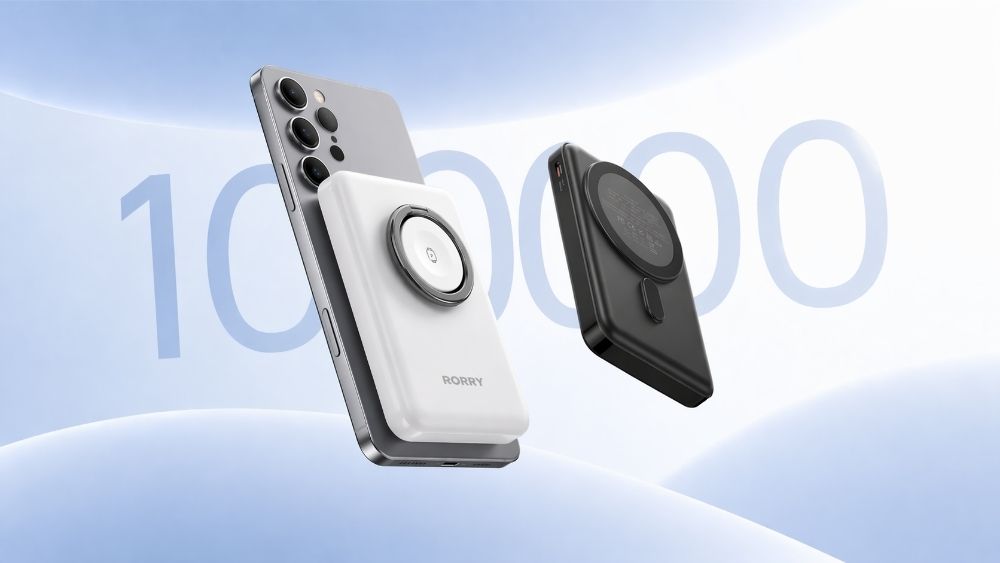
RORRY portable charger are Qi2-compatible right out of the box—no setup or case required. Just place your device on the charger and let it power up. A magnetic ring is included for added convenience.

If your Samsung is not charging on a pad it has worked with before, work through these checks in order.
1. Remove the case. Thick, metal, or wallet cases block the wireless signal. Try charging without the case first to rule this out before anything else.
2. Reposition the phone. The charging coil location varies by model. On foldables especially, the coil sits off-centre — try adjusting the phone's position on the pad until the charging icon appears.
3. Restart the phone. A quick reboot clears software glitches that can interfere with charging detection. Power off, wait a few seconds, and try the pad again.
4.Check for a software update. Wireless charging issues occasionally appear after a system update introduces a bug. Go to Settings > Software Update and install any available patch.
5. Confirm the charger is working. Plug a different device into the same pad to verify the pad itself is functioning. If another device charges normally, the issue is with the phone's settings or hardware.
If none of the above fixes the issue, it’s likely a hardware problem. Moisture can cause corrosion in the charging circuit that no restart or update can fix. In this case, visit a Samsung service center. In the meantime, the same workarounds that apply to a broken iPhone charging port apply here too: use wired charging via a different port or a wireless power bank to bypass the issue.
Most Samsung flagships in 2026 support wireless charging at 15W via Qi2 Ready — but the speed you actually get depends on the charger, the adapter, the case, and how the phone is positioned. For A series of devices, always verify the specific model before buying a wireless pad.
If you need wireless charging beyond the desk, RORRY builds a range of Qi-compatible wireless power banks that work with Samsung's full lineup — no cables, no ports, just charge.
Some do, but many do not. Always check the specific model's spec page on Samsung's website before buying a wireless charger.
They share the same magnetic alignment standard and are cross-compatible. The difference is that Samsung phones are "Qi2 Ready" — magnetic alignment only activates with a certified magnetic case.
Any Qi-certified charger will work, but 15W fast wireless charging is only reliably delivered by Samsung's own chargers or certified Qi2 pads. Third-party Qi chargers typically cap at 5W to 10W.
Yes — it draws directly from your own battery. Samsung disables it automatically when you drop below around 30%. Best used for accessories like earbuds, not for charging another phone from low battery.


Share:
iPhone Liquid Detected in Lightning Connector? The Fix Guide
Do you really need a 20,000mAh power bank? Who is it for?